Library
One library. Every service. Zero bars required.
Everything you import lives on your phone — organized, searchable, and ready the moment you open the app.
Home screen
Pick up right where you stopped.
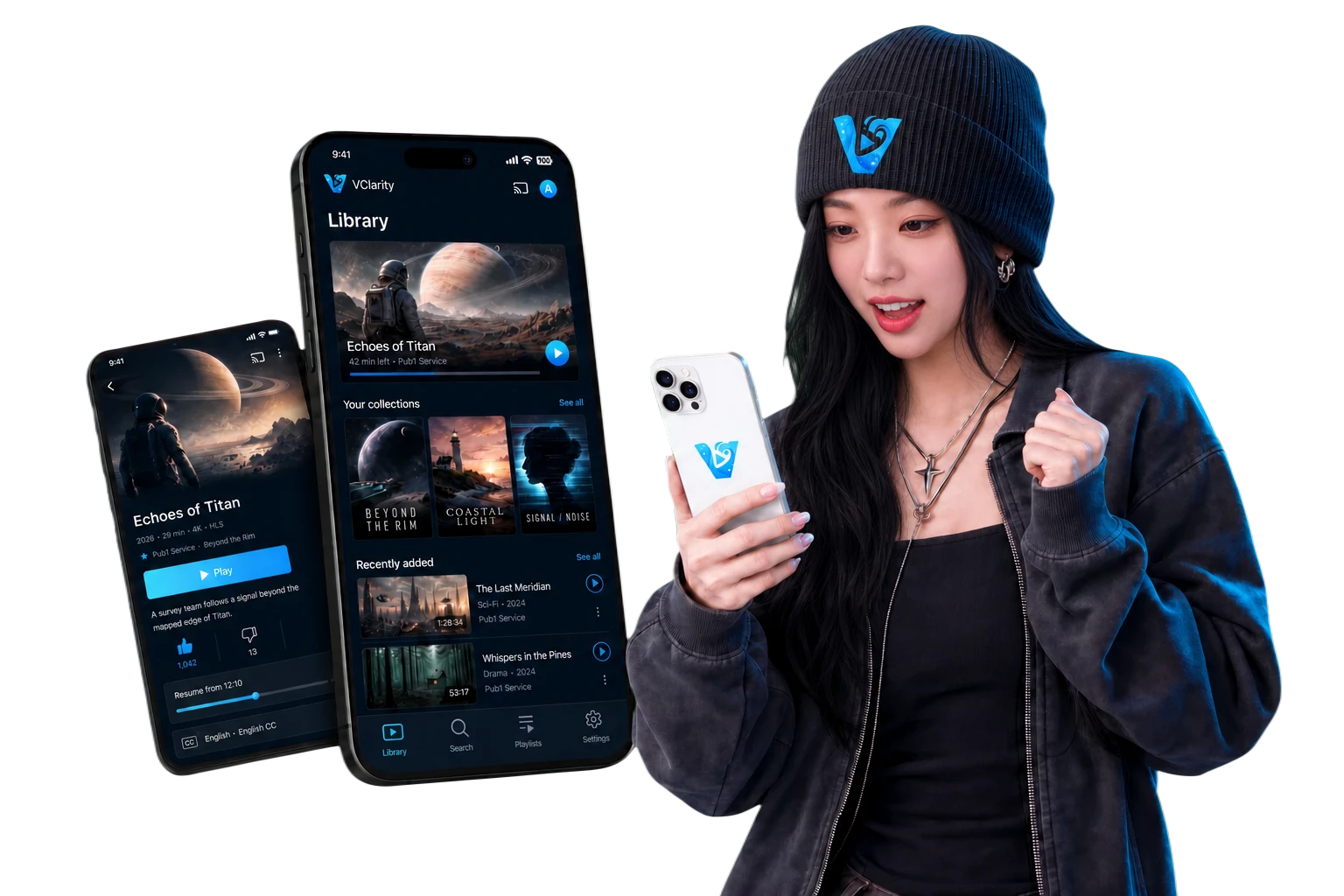
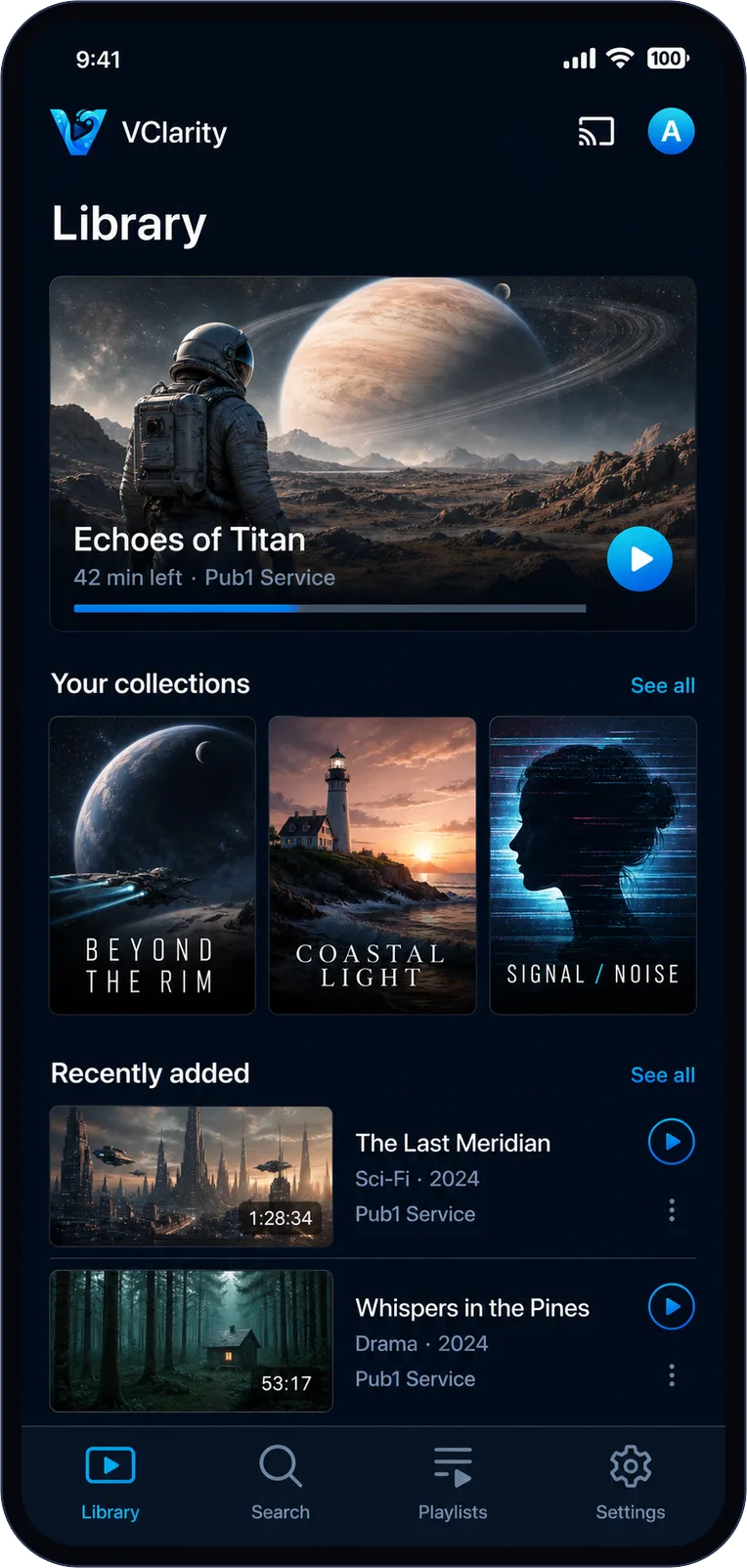
The library opens on what matters: the video you're mid-way through, your collections, and what's newly arrived — from every service you've connected, merged into one home.
Watch progress follows every video, so "42 min left" means exactly that.
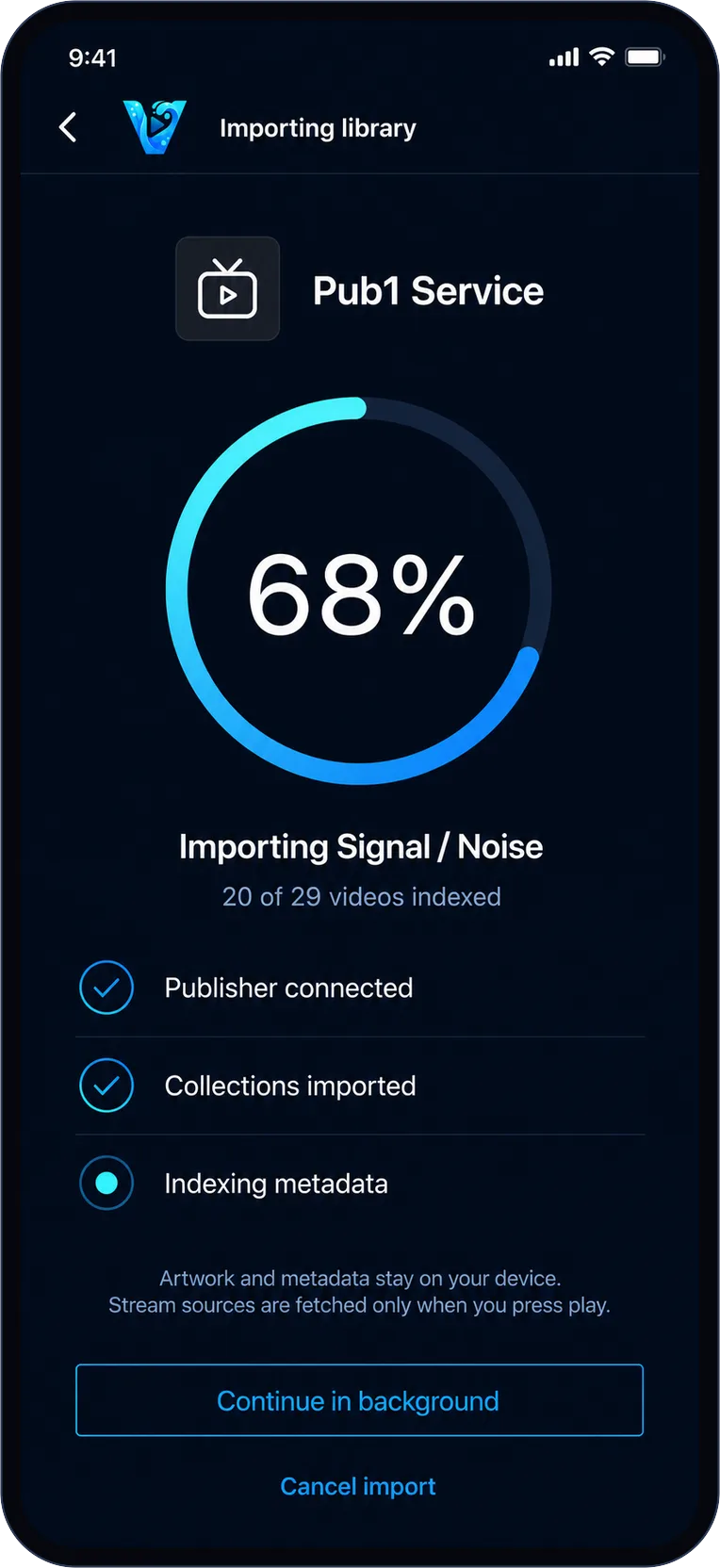
Import
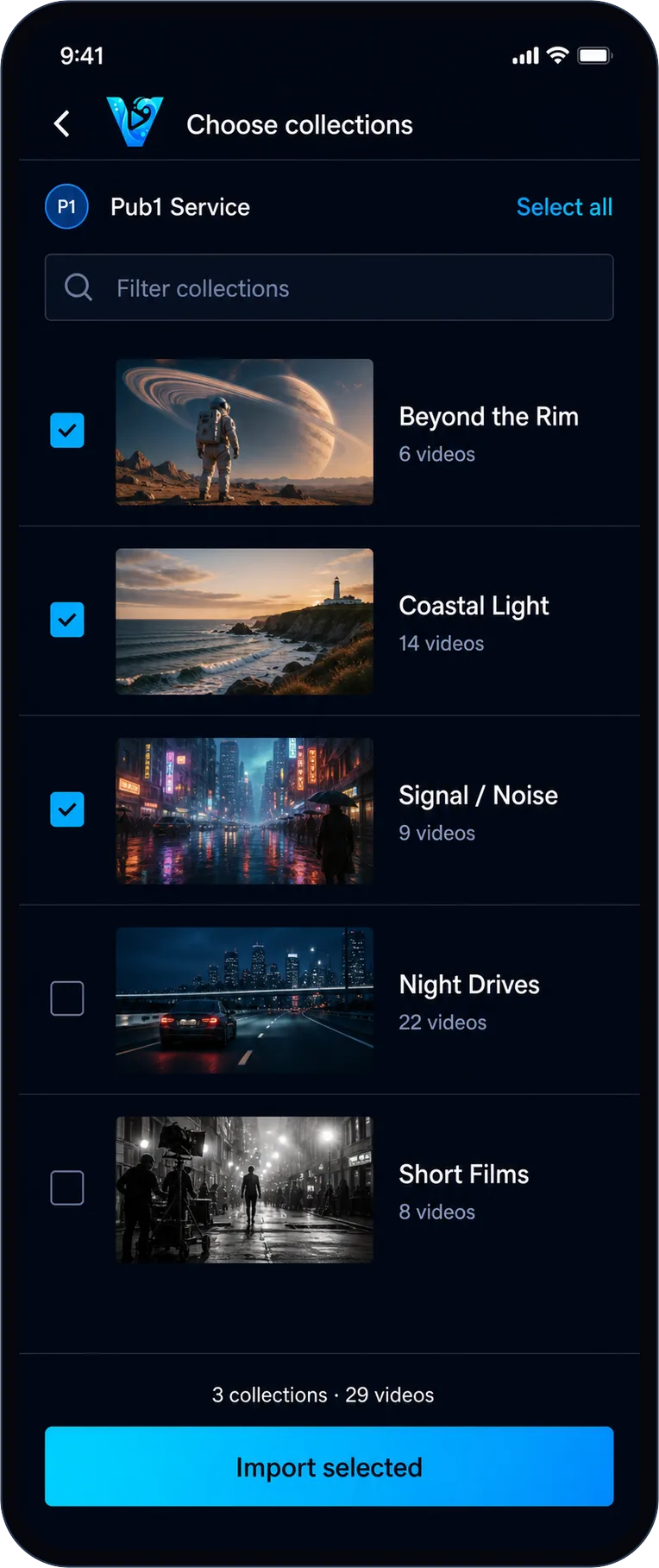
Bring in exactly what you want.
Connect a service and pick the collections worth keeping. Skip the rest — you can add or remove collections later without re-importing anything.
On-device
A library that doesn't need a signal.
Artwork, metadata, and structure are stored on your phone during import, so browsing is instant and works completely offline. Videos stream on demand — or download for the plane.
VClarity tells you up front how much space an import takes. No surprises in Settings.
Per-publisher
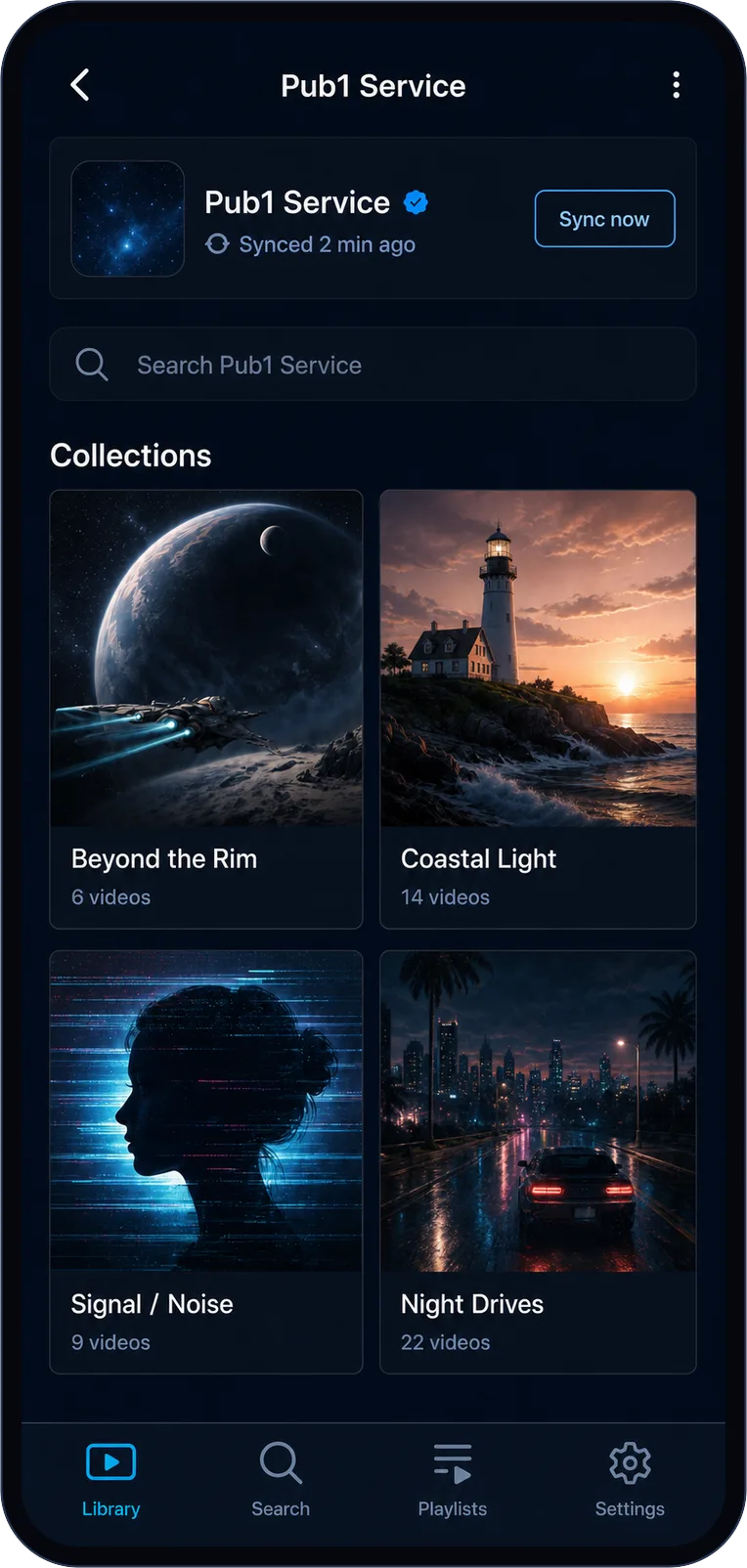
Every service keeps its own shelf.
Each publisher gets its own space with its collections and sync status. Delta sync fetches only what changed since last time — a refresh takes seconds, not minutes.
Collections
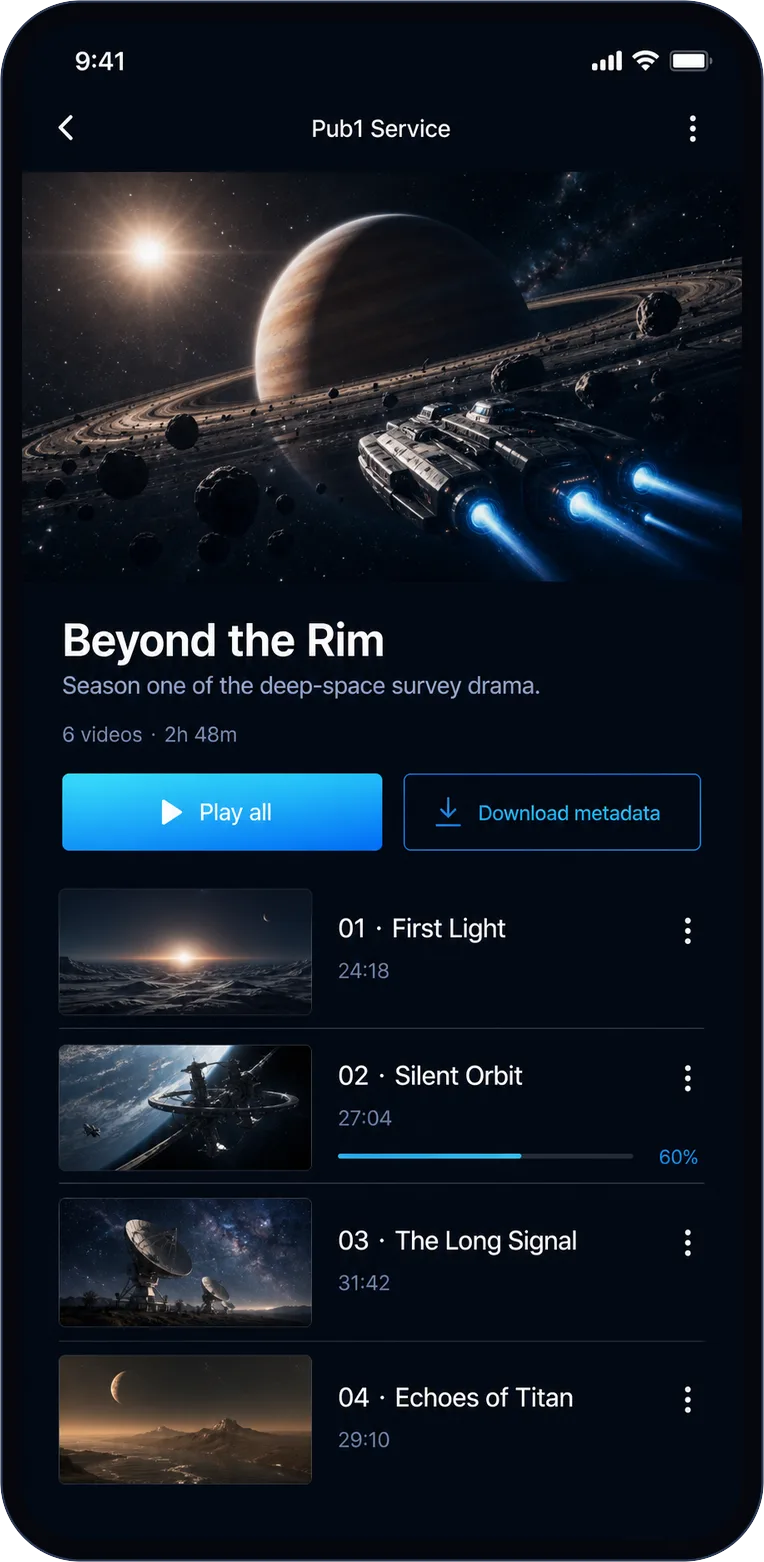
Ordered the way the publisher intended.
Series stay in order, box sets stay together, and every item carries its own watch progress — so a half-finished episode is never lost in the pile.
Search
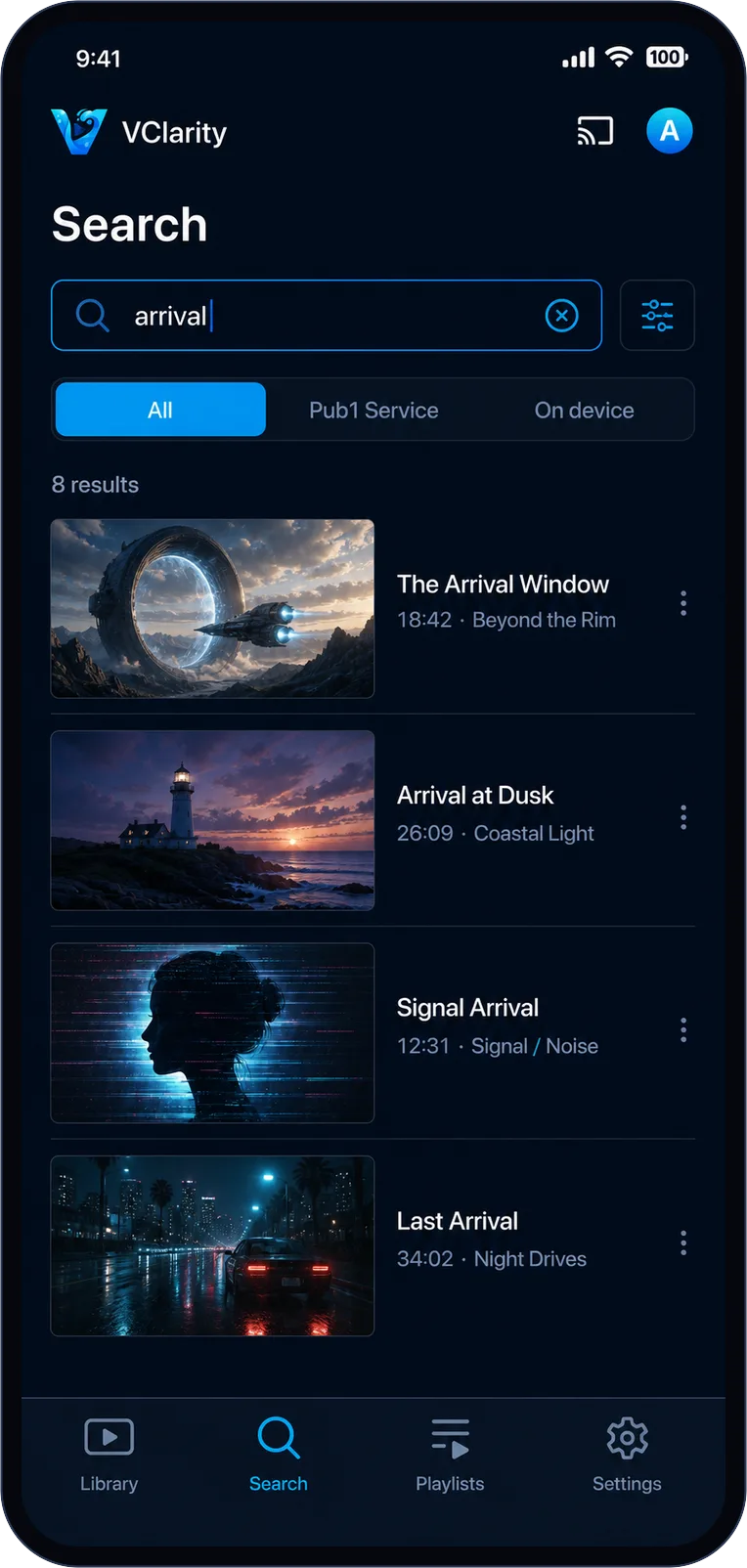
Find it, wherever it lives.
Search covers your on-device library instantly, and reaches into any connected service that supports provider search. Filter by provider or keep it local — one query, every result.