Credentials stay on your phone
API keys and pairing tokens are stored on-device and relayed through VClarity only when a request needs them.
Connect
Your media server, a subscription service, a friend's shared shelf — if it publishes the VClarity Protocol, VClarity can import it.
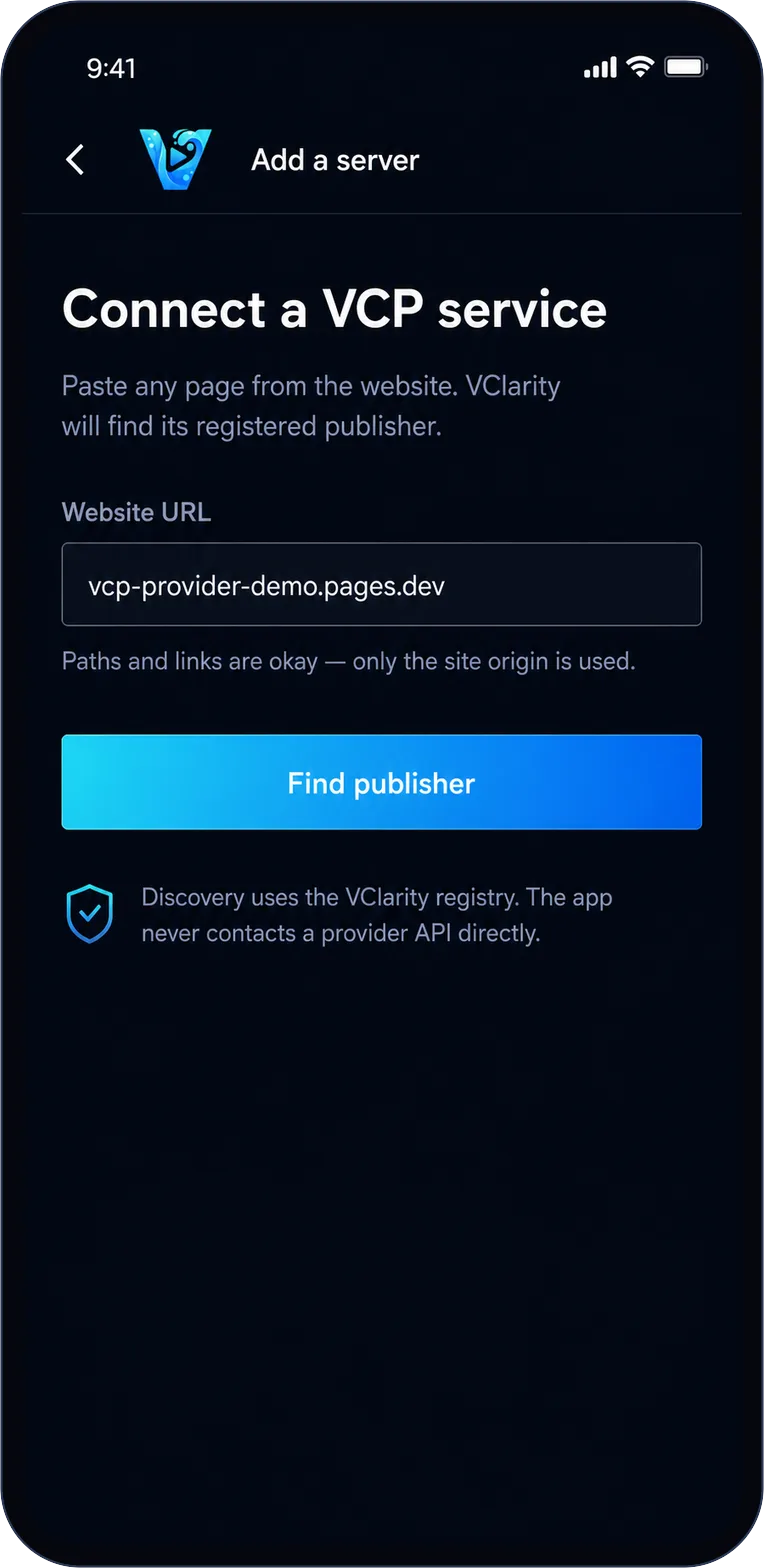
Add a server
No API endpoints to hunt down. Paste any link from the service's website — the homepage, a video page, whatever's in your clipboard — and VClarity looks up its registered publisher in the VClarity registry.
If the site isn't registered, you get a clear answer, not a spinner.
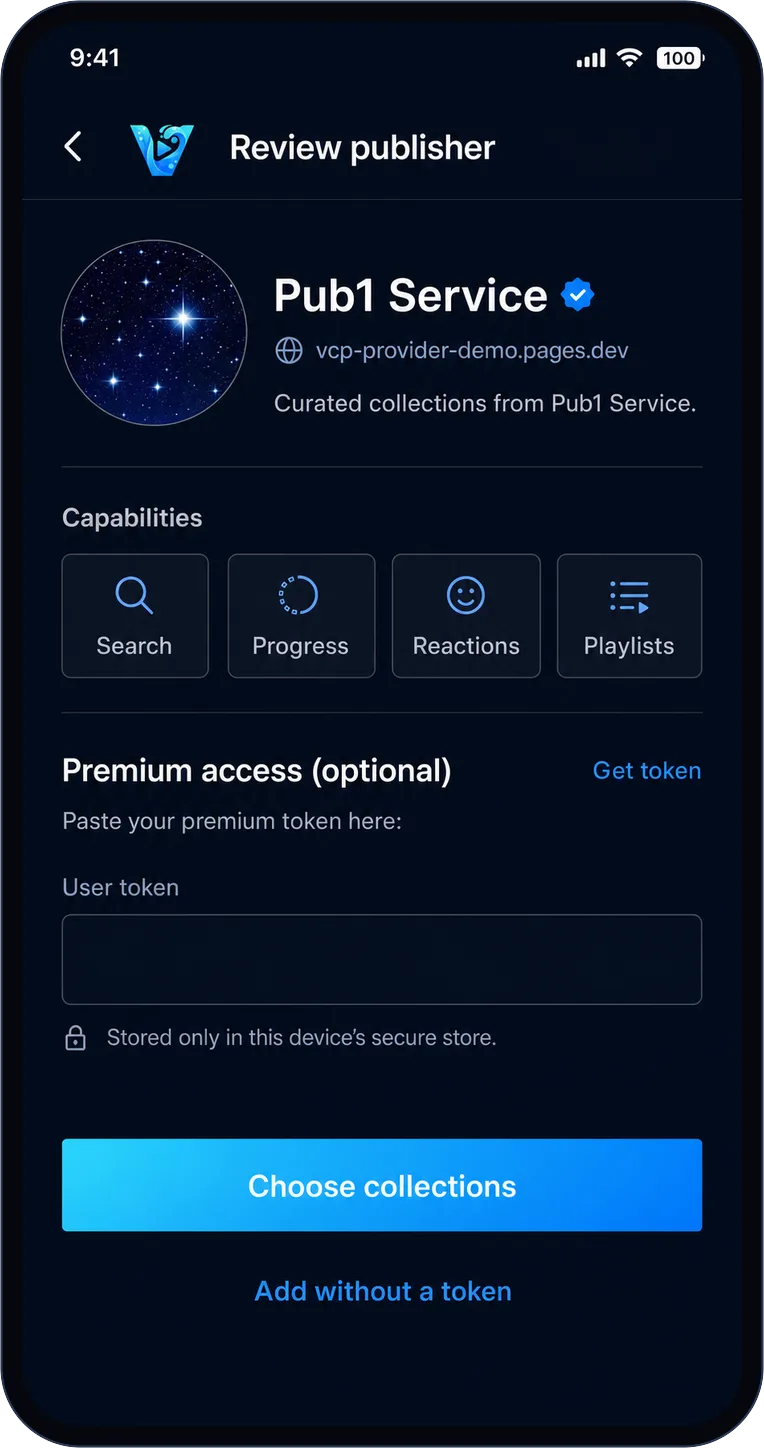
Review first
Before anything is imported, VClarity shows you the publisher's manifest: who they are, what collections they offer, and what features they support.
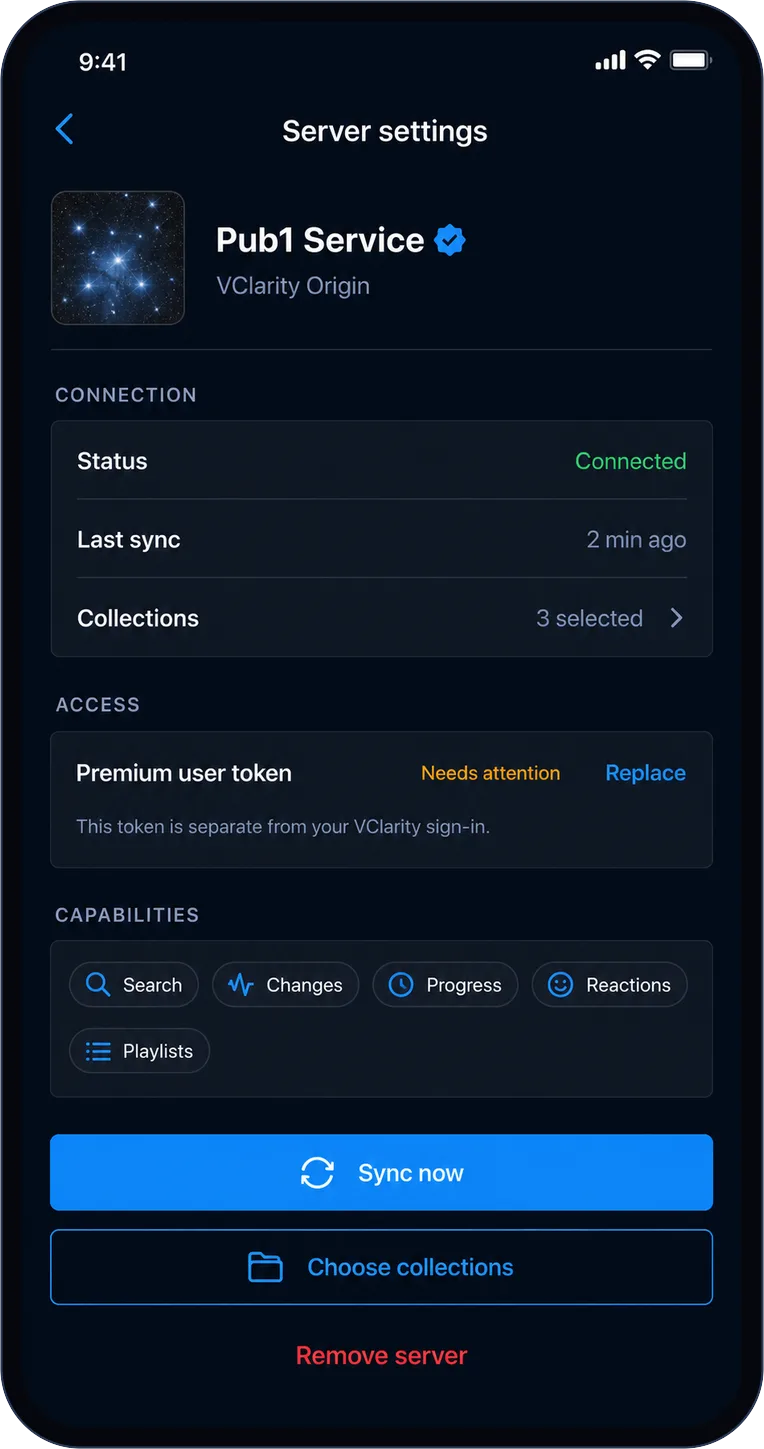
Got a premium token from the service? Add it here — or later, or replace it anytime — without re-importing your library.
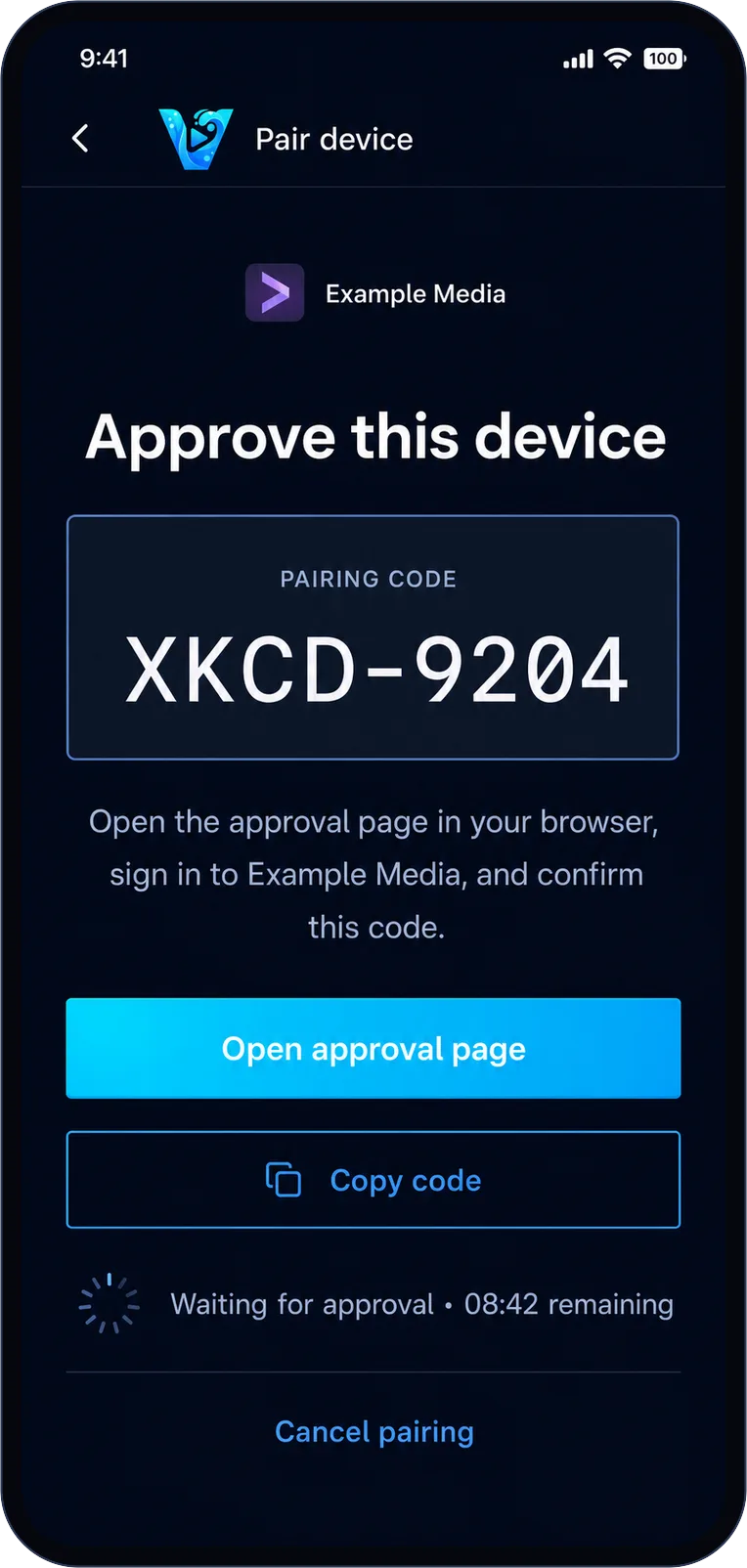
Flexible sign-in
Open services connect instantly with no sign-in at all. API-key services take a paste. And pairing services open their own website where you approve the device — your password never touches VClarity.
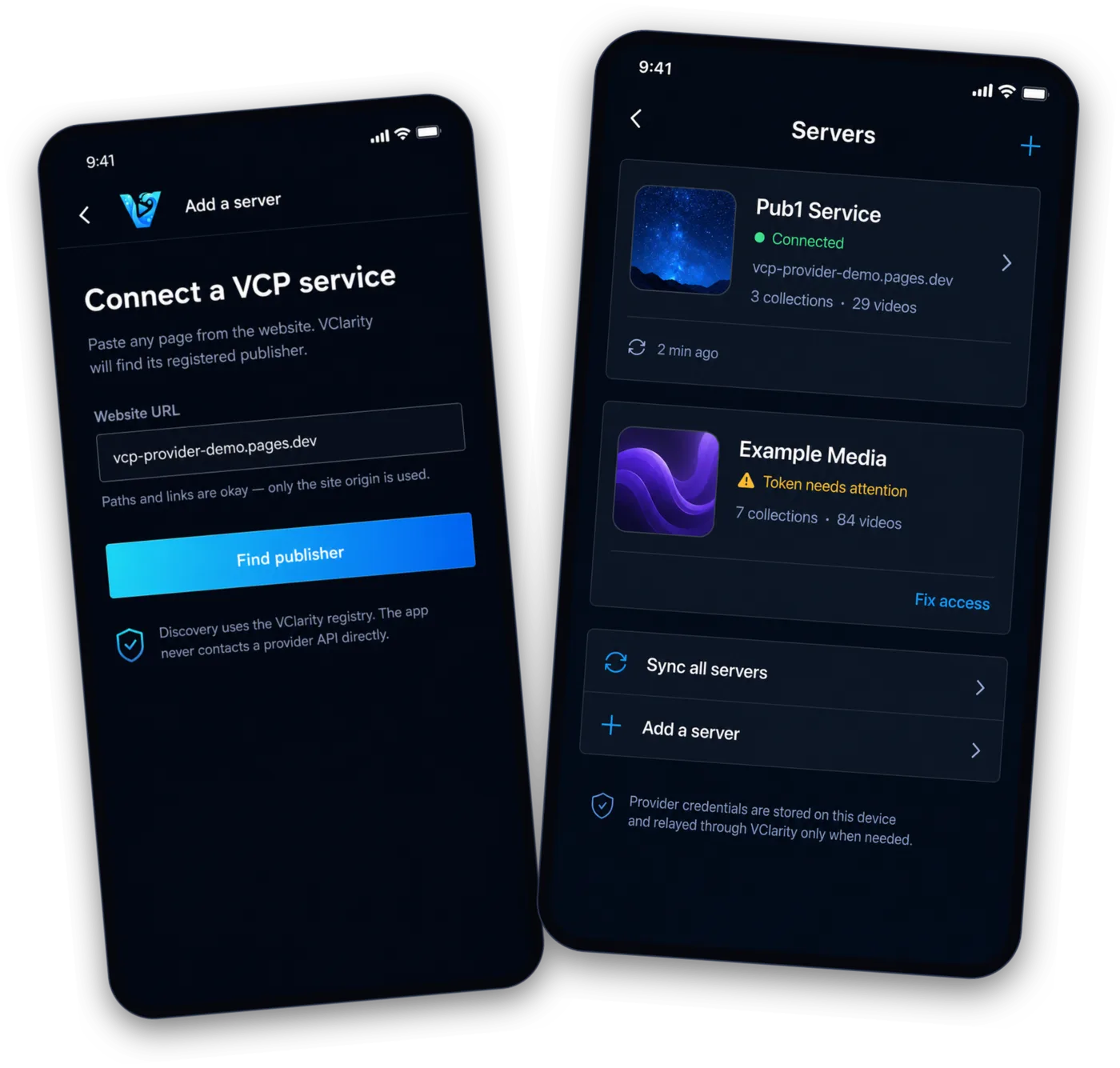
Stay healthy
The servers list shows each publisher's connection health at a glance — and when a token expires, "Fix access" repairs it in place. Per-server settings cover sync, collection choices, and exactly which capabilities the service advertises.
Clean break
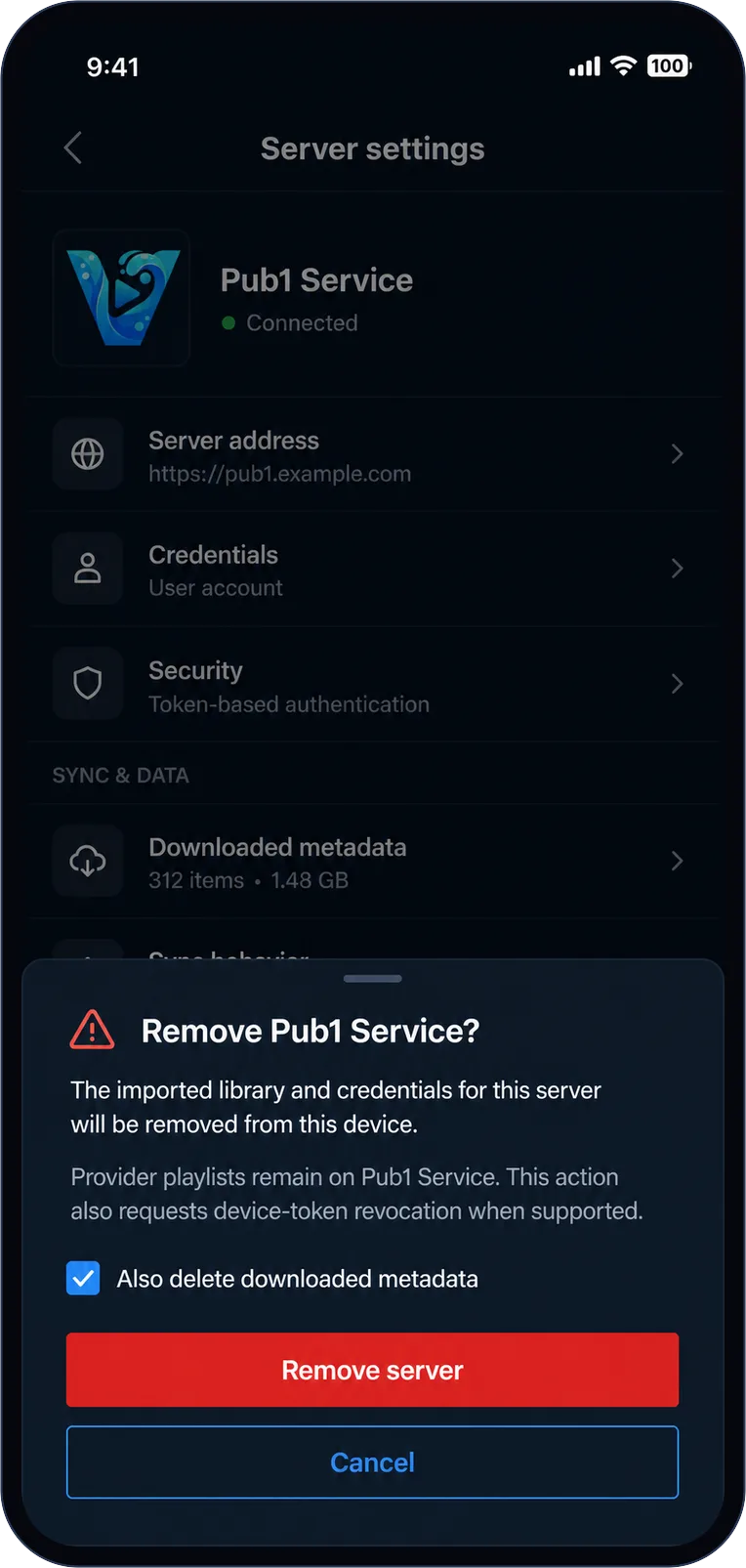
Removing a server deletes its imported data and credentials from your phone and asks the provider to revoke this device's token. Playlists that live on the provider stay safe on the provider — remove the server, not your curation.
The security model isn't a settings page — it's how the whole thing is built.
API keys and pairing tokens are stored on-device and relayed through VClarity only when a request needs them.
The app never contacts a provider's API directly — discovery and requests go through the VClarity registry and proxy.
Video itself streams straight from the provider's CDN to your device. The proxy handles trust, not your bandwidth.
VClarity imports only from publishers registered with VClarity — never from an arbitrary URL someone typed into a manifest.
Building a service? Publish your library with VCP
Free for iPhone & Android
Download VClarity, connect the services you already use, and make one personal place to watch.