The VClarity app

Every video you care about. On your phone. On your terms.

One offline-first library for the collections you own and the services you choose to connect.
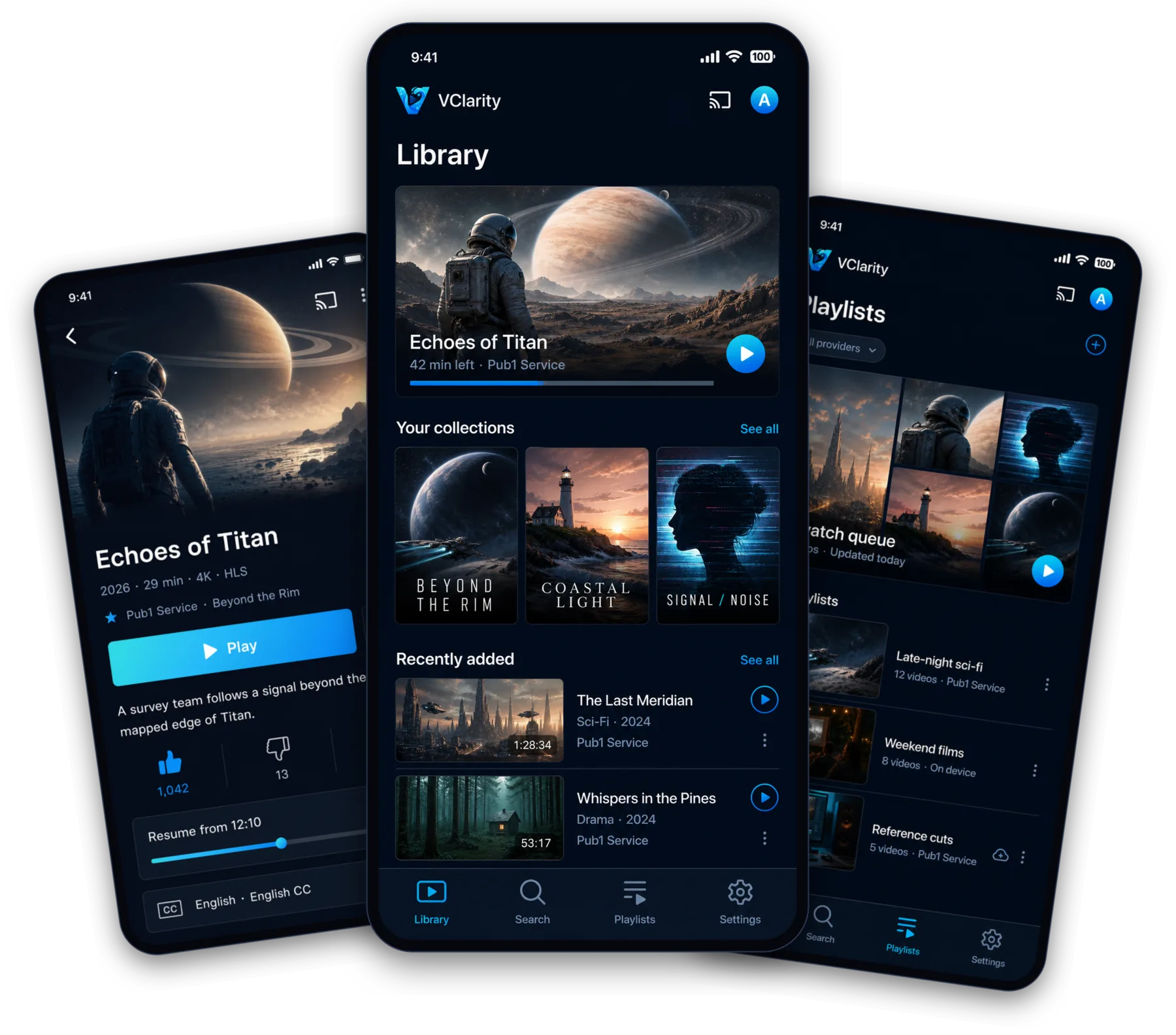
VClarity video details, library home, and playlists on three phones

Instant

Cold start to playing video in under a second. Seeks land immediately.

Offline-first

Your library lives on your phone and stays useful without a signal.

Open

VCP lets any compatible media service publish collections to VClarity.

Private

No account required. Provider credentials stay on your device.

The complete player

Four parts. One place that feels like yours.

Library

Everything you watch, gathered into one home.

Continue watching, collections, and everything recent—imported from every service you connect and kept on your device.

Explore library
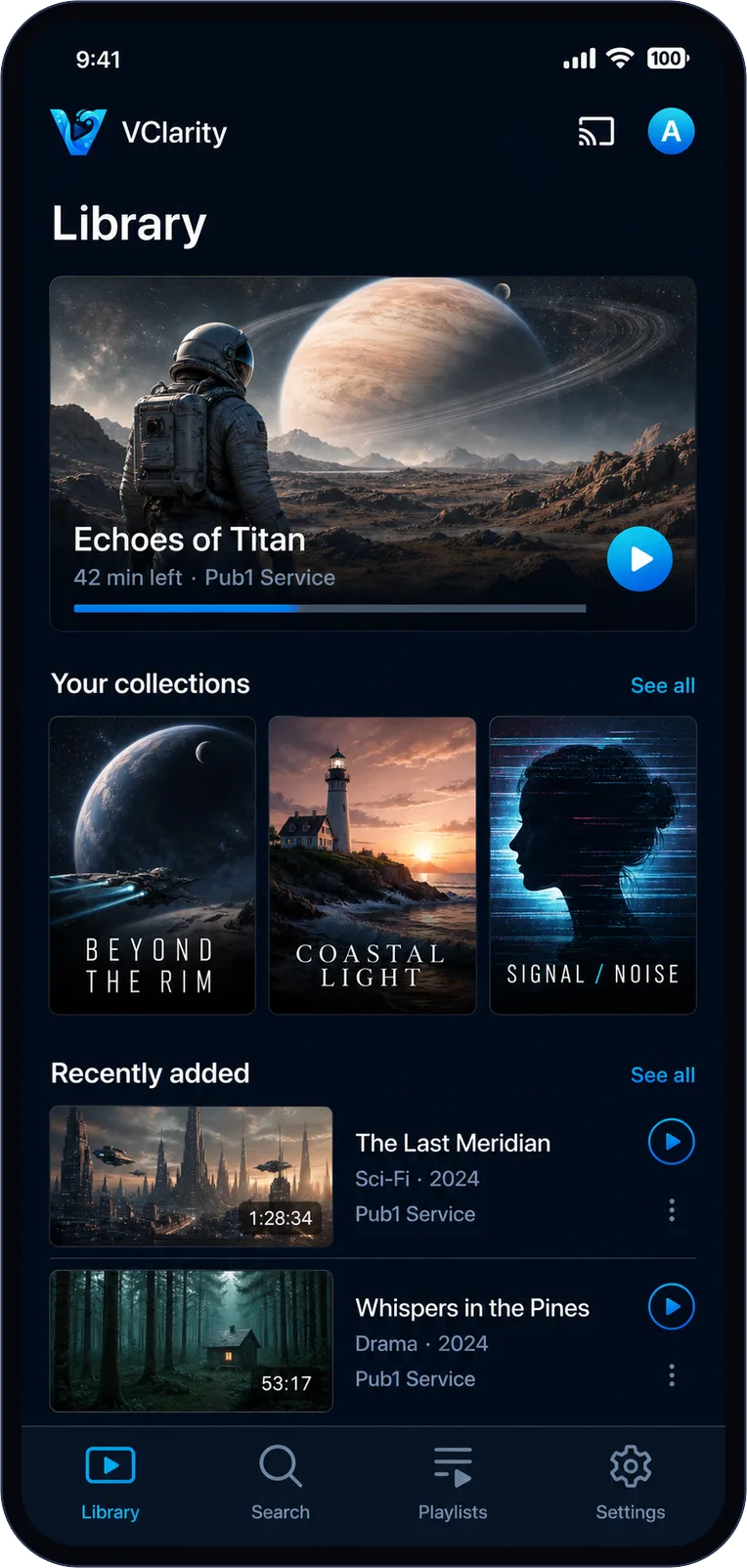
VClarity library home screen with continue watching, collections, and recently added videos

Player

A serious player that knows when to disappear.

Hardware-accelerated 4K playback with subtitles, speed control, casting, and streams that recover themselves.

Explore player
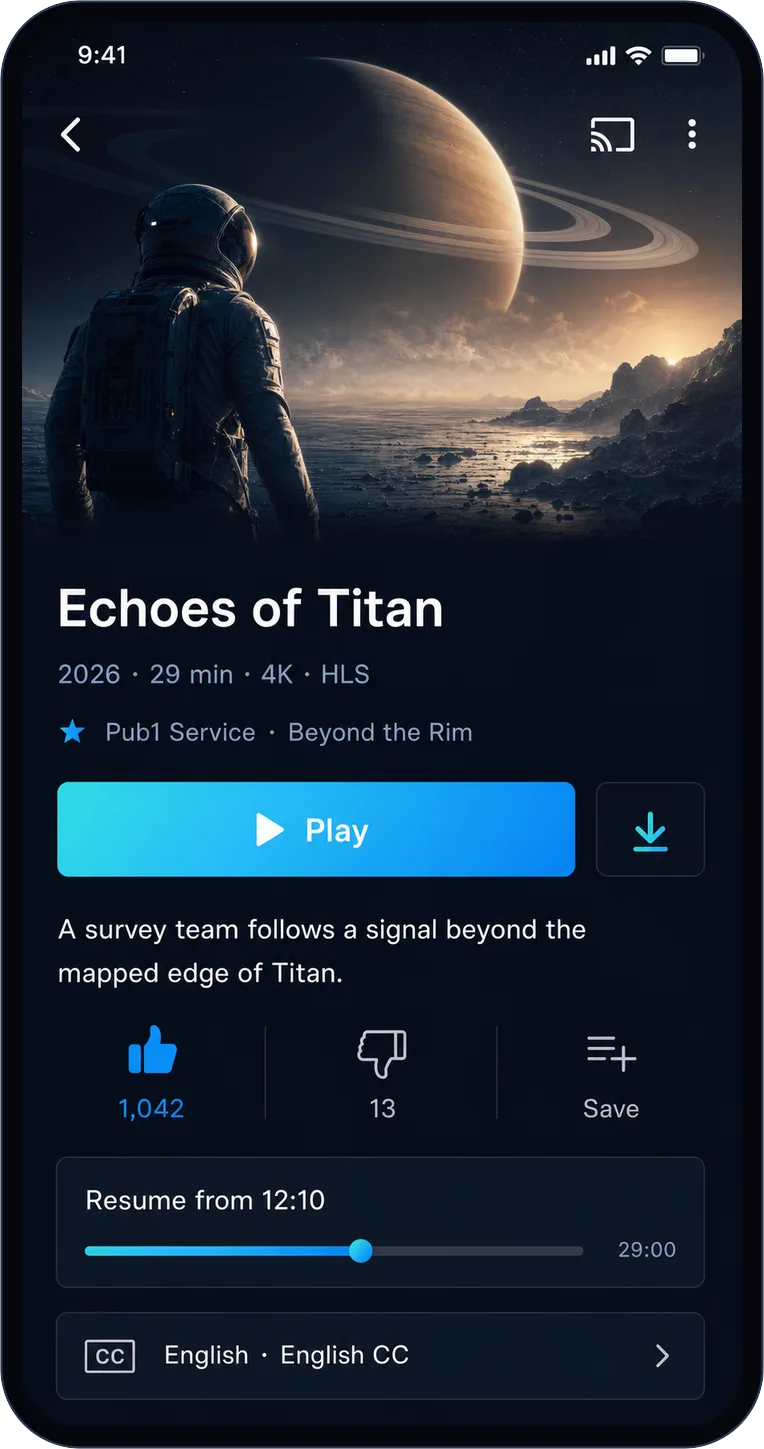
VClarity video detail screen with play button, reactions, resume position, and subtitles

Playlists

Keep a queue private. Sync another everywhere.

Provider-backed or fully local—your call. Edits sync safely and queue up when you are offline.

Explore playlists
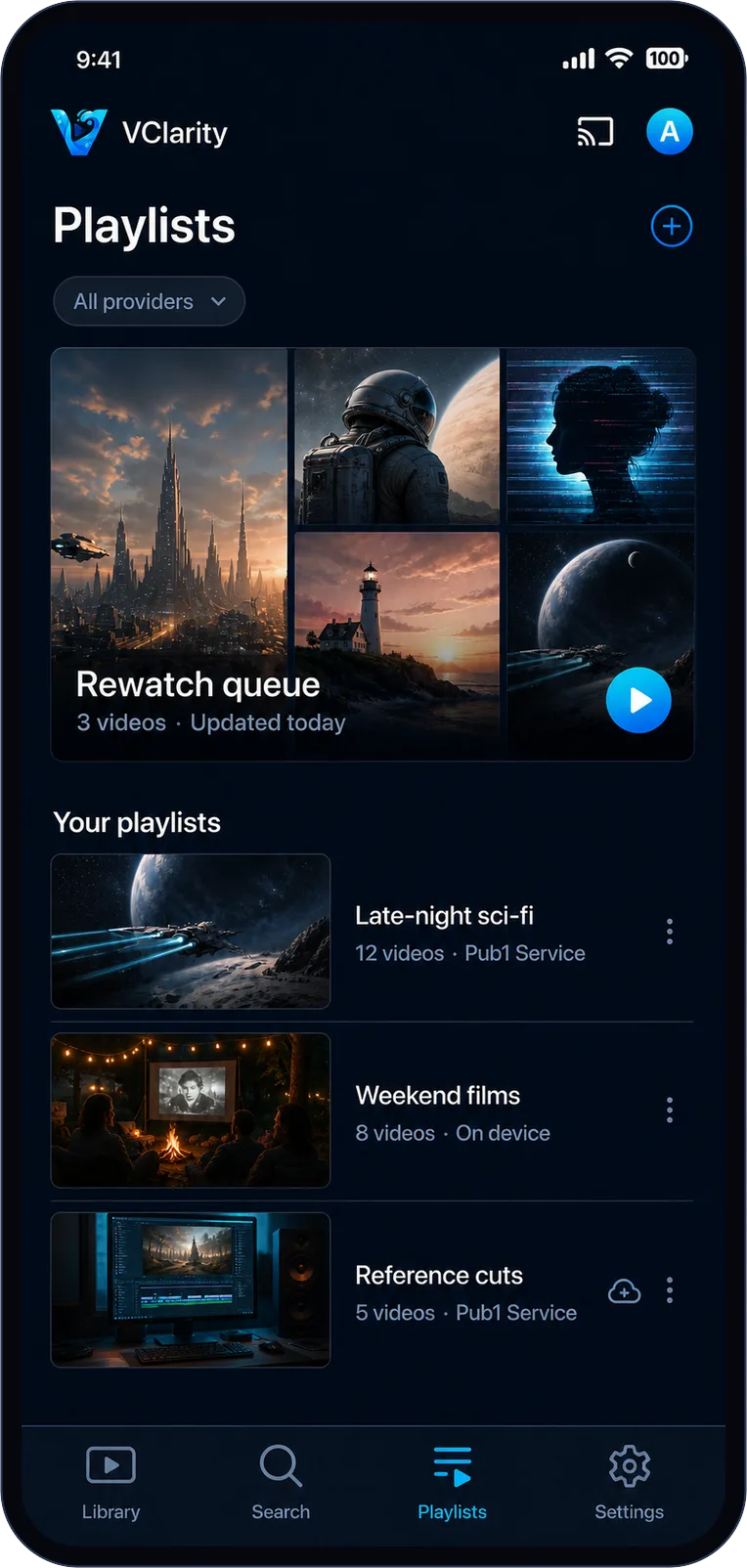
VClarity playlists screen showing provider-backed and on-device playlists

Connect

A whole service can be one pasted link away.

Use any URL from a VCP website. VClarity finds its publisher, imports collections, and keeps them in sync.

Explore connect
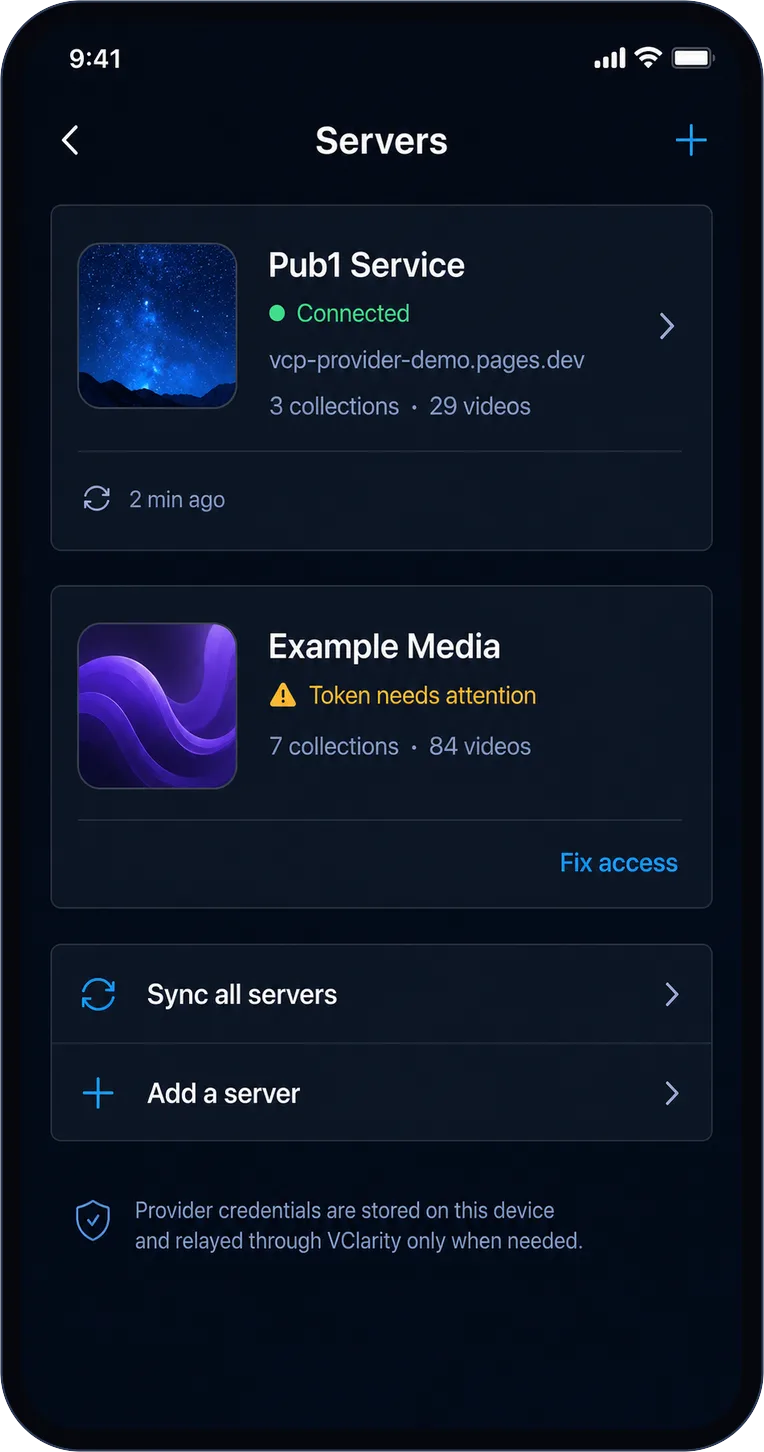
VClarity servers screen showing connected VCP publishers and credential health

Dark, cinematic, media-first

Artwork forward. Chrome out of the way.

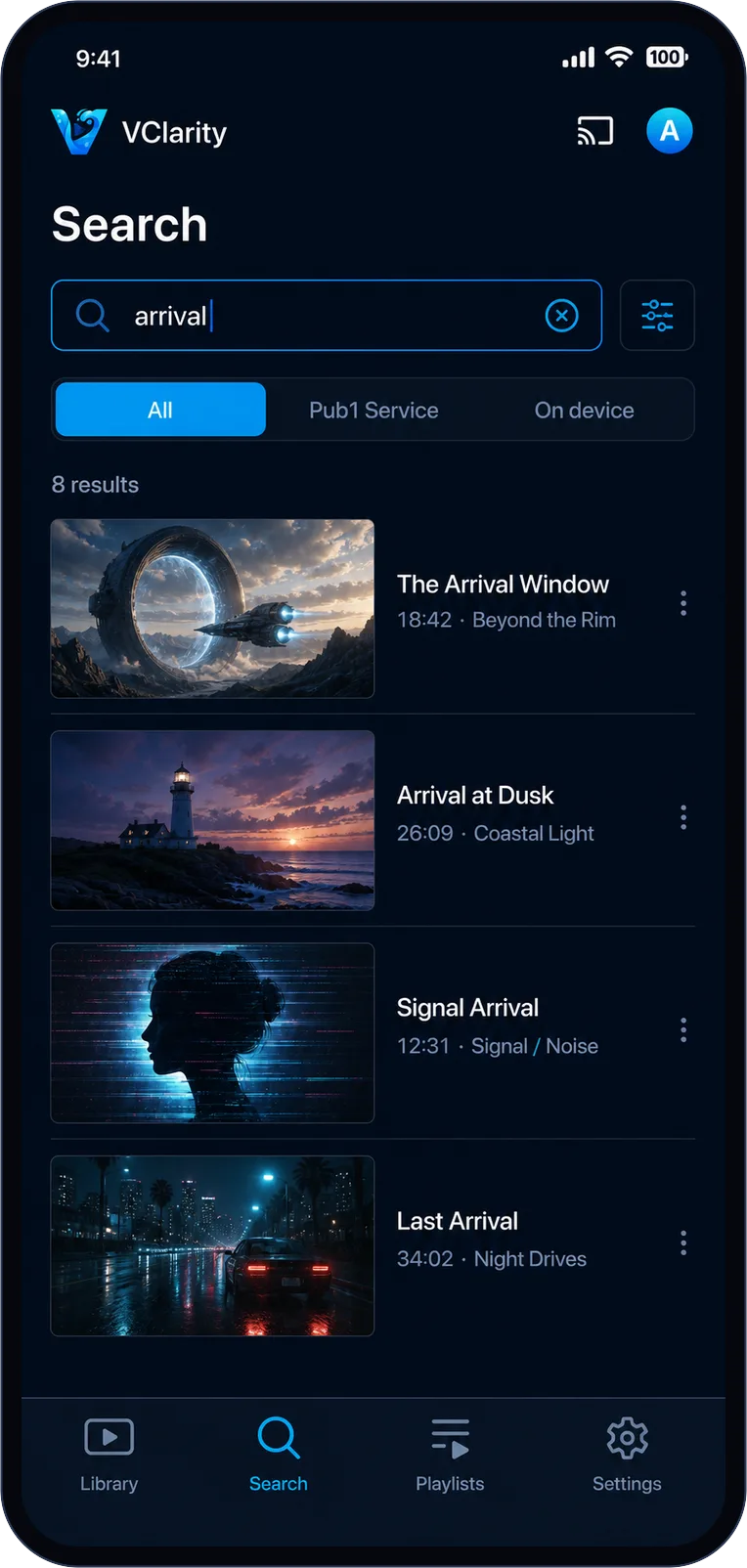
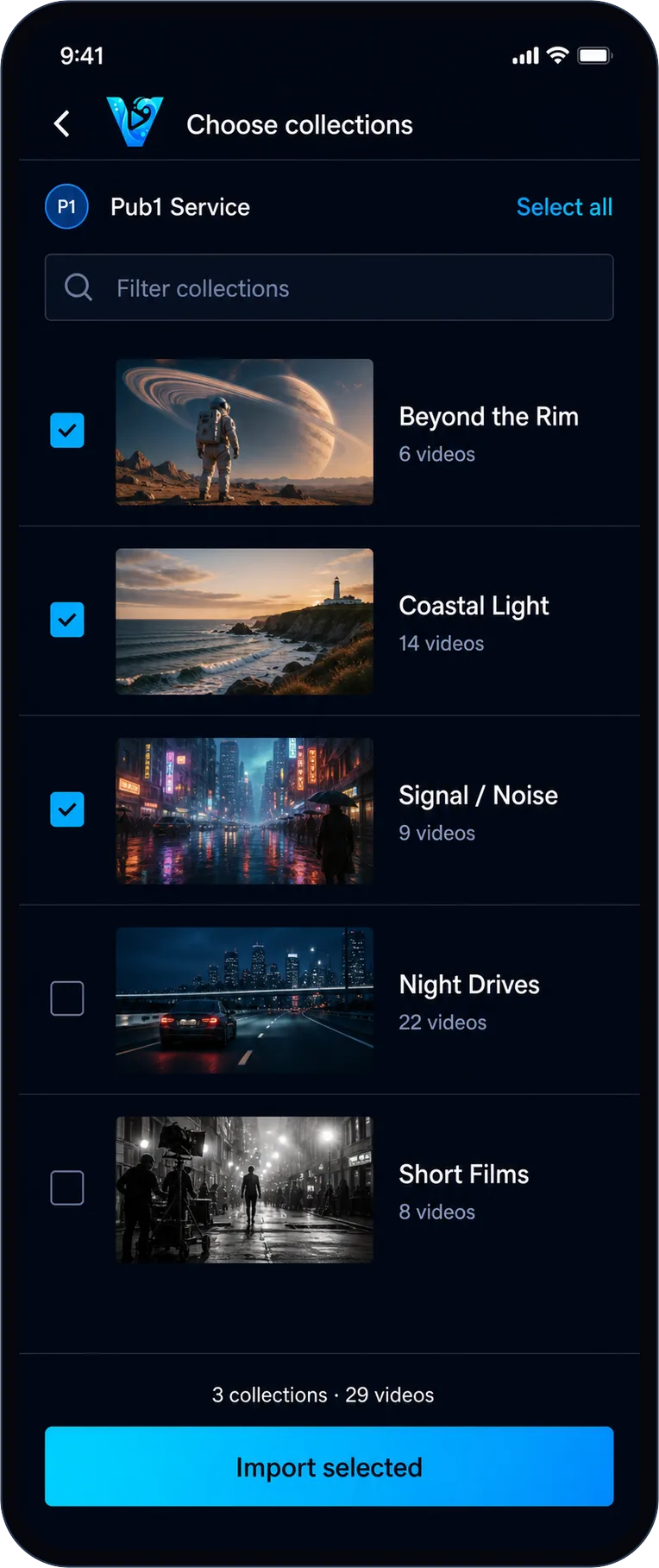
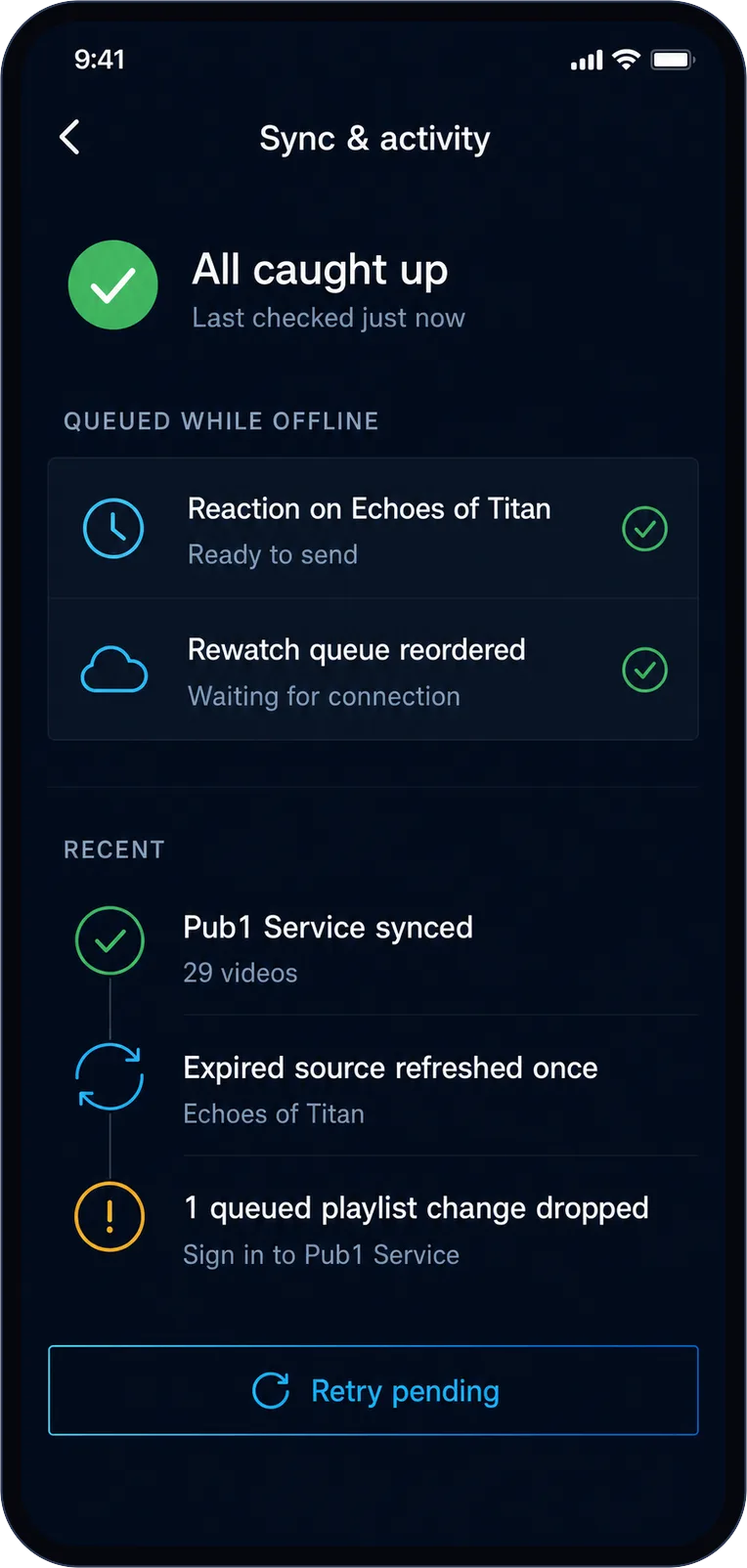
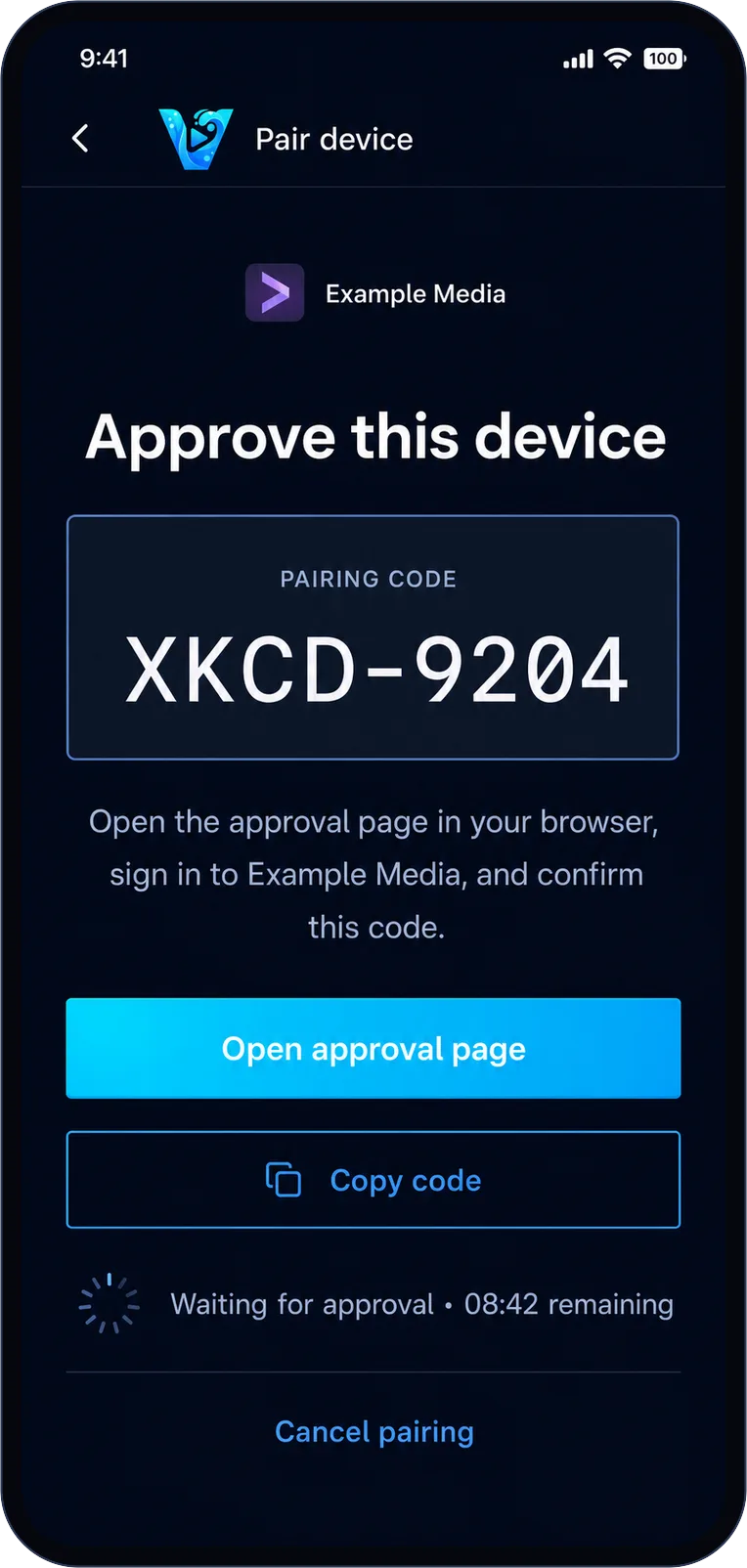
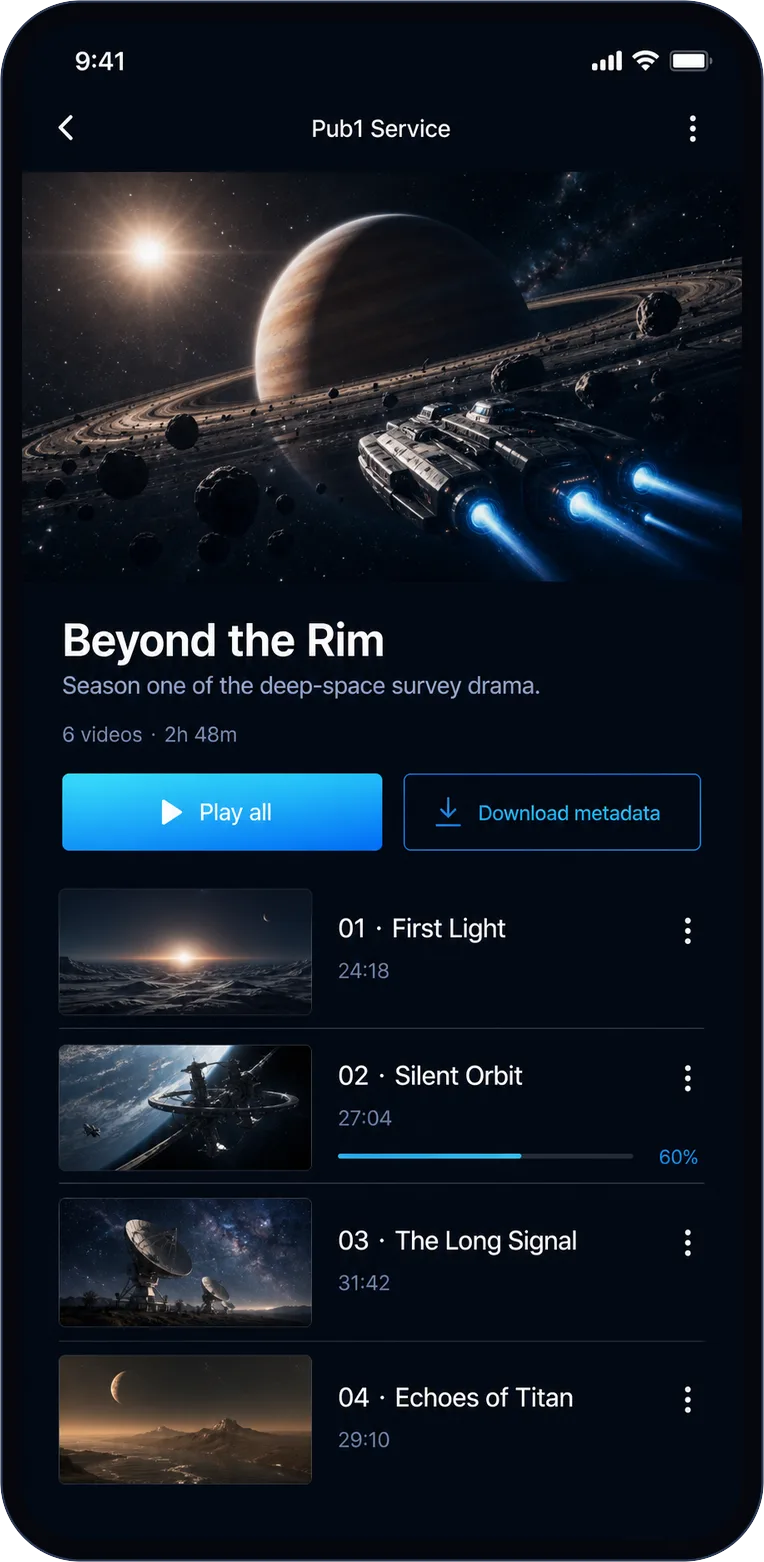
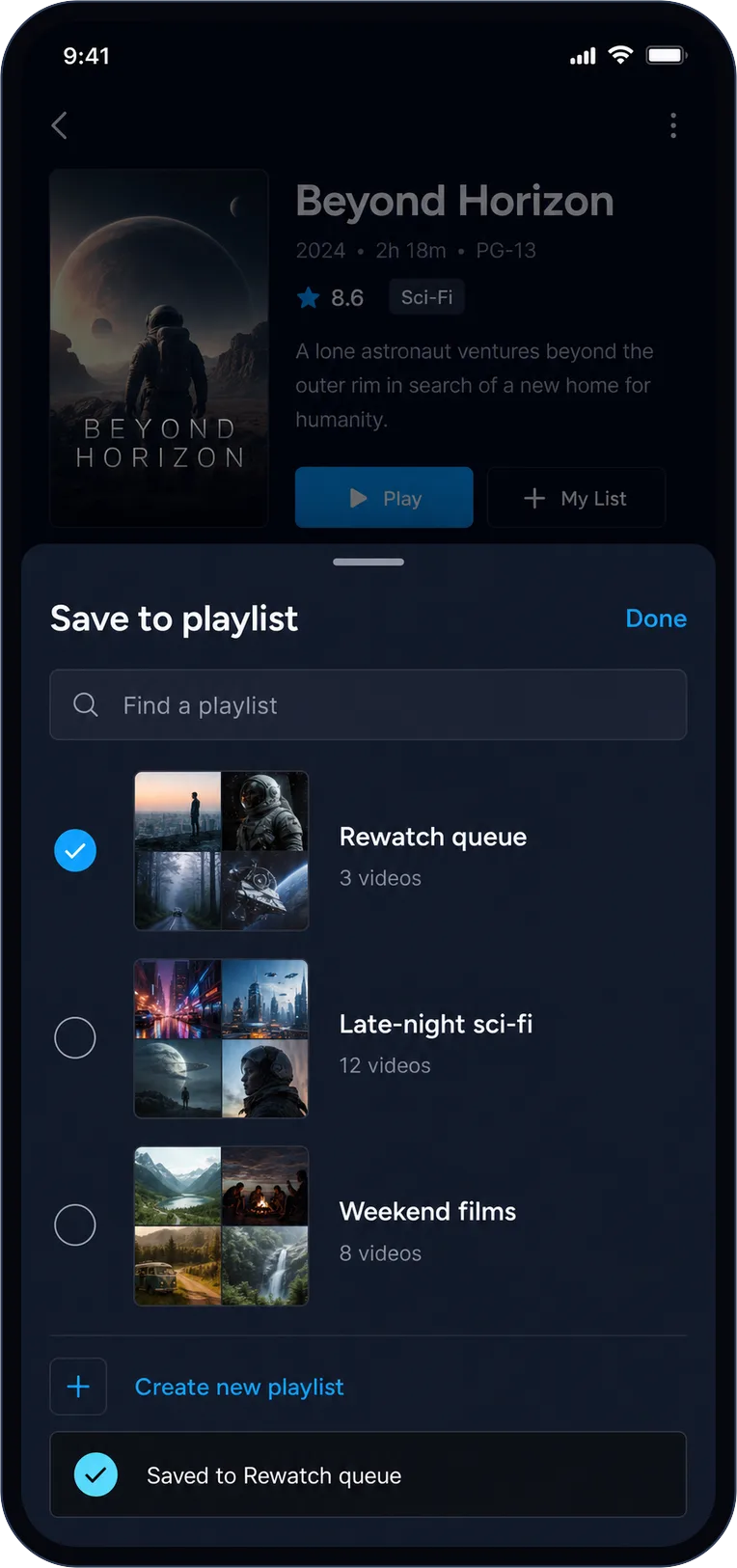
Searching videos across providers and the on-device library in VClarityChoosing which collections to import into VClarityVClarity sync and activity screen with offline write queuePairing VClarity with a provider through browser approvalCollection detail screen with ordered items and watch progressSaving a video to a playlist in VClarity

No strings

Sign in if you want. Skip it if you don’t.

A free VClarity account can back up connections and playlists across devices. Or continue offline and keep everything on this phone.
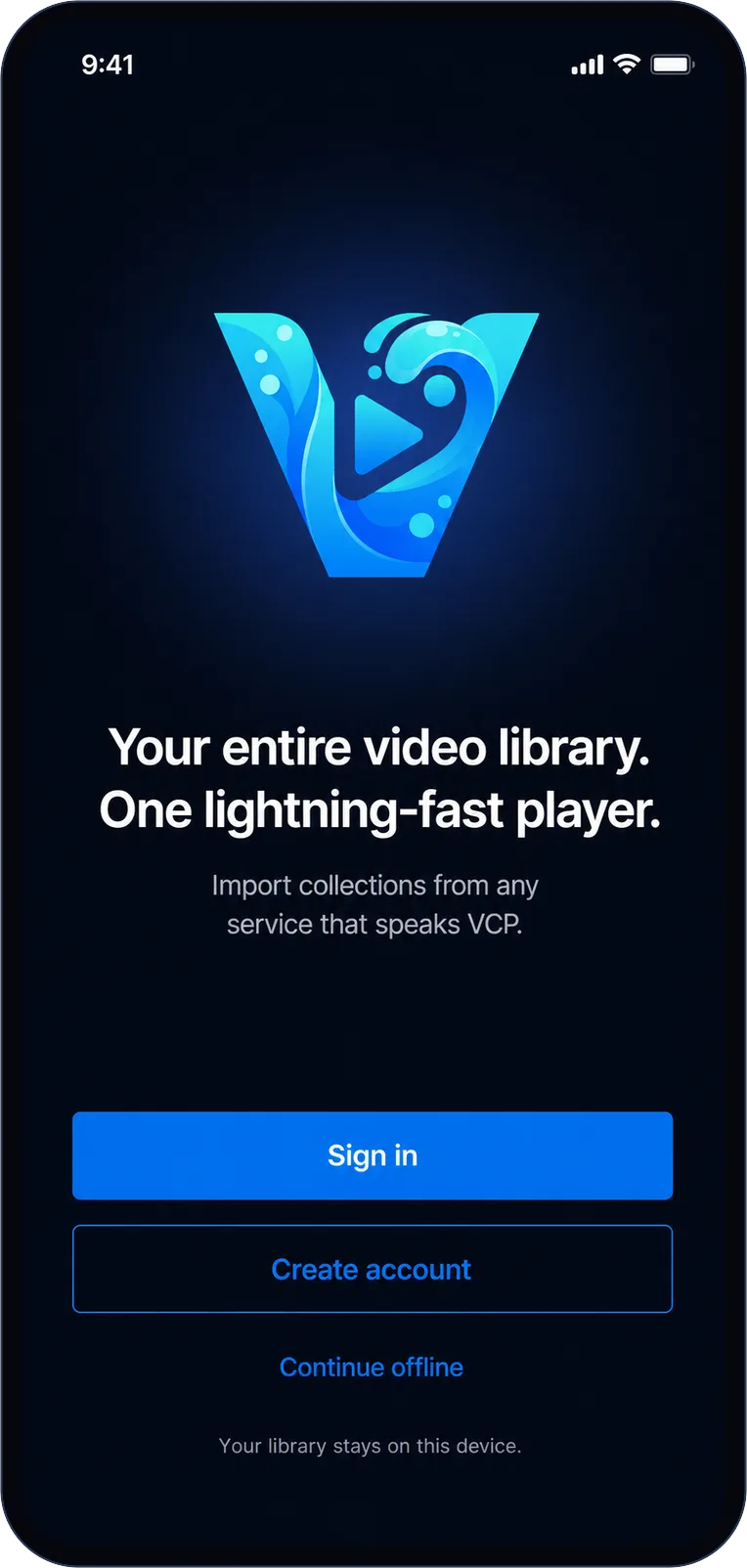
VClarity welcome screen with sign in, create account, and continue offline options

Free for iPhone & Android

Put your whole video library in your pocket.

Download VClarity, connect the services you already use, and make one personal place to watch.
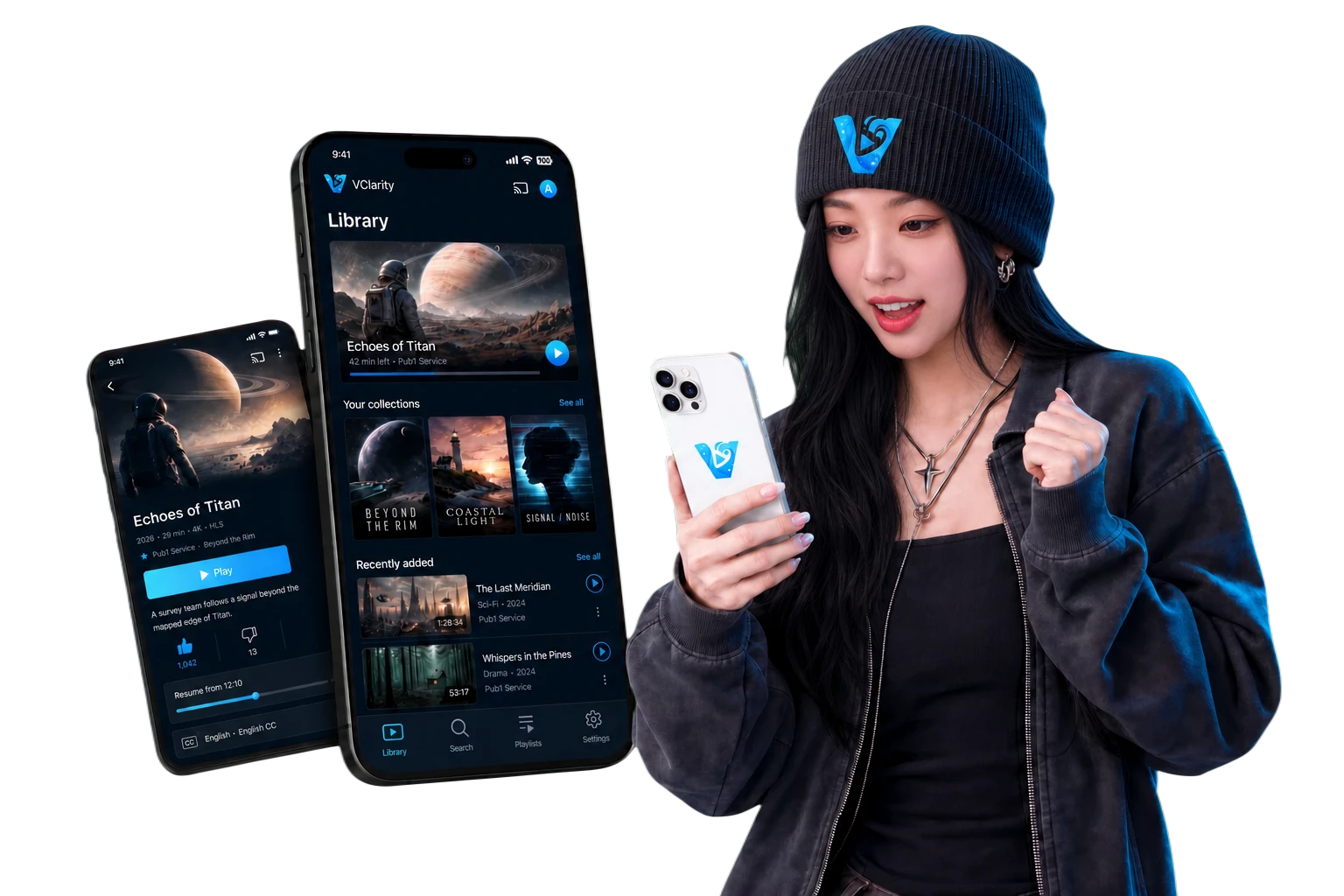
A Korean VClarity fan enjoying the app beside its Library and player screens

Coming soon!

We're putting the finishing touches on VClarity. It'll be on the App Store and Google Play very soon.